Digital Eye Strain — The 20-20-20 Rule and What Else Actually Helps
What screen fatigue actually is
The burning, gritty, tired feeling that shows up after a long screen day is common enough to have a name: digital eye strain, sometimes called computer vision syndrome. It is a cluster of symptoms — dry or watery eyes, a dull ache behind the eyes, distance vision that blurs for a few seconds when you finally look up, headaches, and often neck and shoulder tension — rather than a sign that the screen is damaging your eyes.
Understanding the mechanism makes the fixes obvious, because almost none of them involve blue light.
Three things happen at once
Your focus system locks up. Reading a screen means holding the ciliary muscle contracted at one fixed near distance for hours, with almost no variation. Muscles that hold one position without moving get sore. Distance vision is the relaxed state; near vision is the working state, and screen work keeps it switched on all day.
Your eyes converge and stay there. The muscles that turn your eyes inward to view something close are also held in a fixed position. This is part of why long sessions produce a heavy, strained feeling rather than a sharp pain.
You stop blinking properly. Blink rate drops noticeably during screen work, and a large share of the blinks that do happen are incomplete — the lids never fully meet, so the tear film is not properly renewed. It then breaks up between blinks and the surface dries out. That is the burning and the grit. It is also why eyes sometimes water excessively: the watering is a response to dryness, not evidence that everything is fine.
Two things make all of it worse. A monitor positioned above eye level widens the exposed surface of the eye and speeds evaporation. And an uncorrected refractive error forces the focusing system to work harder than it should, every hour of the day.
The 20-20-20 rule, honestly assessed
The rule: every 20 minutes, look at something at least 20 feet away for at least 20 seconds.
Why it makes sense: a distant target relaxes both the focusing and the convergence systems, and it is the one thing that directly interrupts the sustained near posture. It is free, it needs no equipment, and the physiological reasoning behind it is sound.
What is fair to say on the other side: formal trial evidence that the rule reduces symptoms on its own is limited, and it only does anything if you actually do it. Most people remember for the first hour and then forget. A timer, or tying it to something that already happens in your day — every time you finish a page, reply to a message, or reach for your drink — is what makes it stick. Treat it as one useful habit, not the whole solution.
What helps at least as much
- Blink deliberately, and fully. A few complete blinks — lids fully closed, then open — rewet the surface far better than squinting does. Doing this consciously a few times an hour is genuinely effective and costs nothing.
- Lubricating drops. If you use drops more than a few times a day, choose preservative-free. A thicker gel before bed can improve morning comfort.
- Move the screen down. Put the top of the monitor at or slightly below eye level and tilt it back a little, so your gaze is slightly downward. This narrows the exposed eye surface and reduces evaporation.
- Get the distance right. Roughly an arm's length — about 50 to 70 cm — for a desktop screen, a little closer for a laptop you are not leaning into.
- Kill the contrast mismatch. A bright screen in a dark room, or a window reflecting behind or above you, forces your eyes to handle two very different brightness levels at once. Match the screen to the room and turn it away from reflections.
- Increase the font size instead of leaning in. Leaning forward is the tell that the text is too small, and it brings you closer to the screen and deeper into the near posture.
- Fix the prescription. An up-to-date prescription matters more than any accessory. If you have astigmatism that is not corrected, or presbyopia you are trying to ignore, your focusing system spends the whole day compensating. From your forties onward, a dedicated mid-distance correction for the screen distance — computer glasses — is often the single biggest improvement available.
- Take real breaks. The 20-second look is a micro-break. Once an hour, stand up, walk, and look out of a window for a full minute.
- Humidity and airflow. Dry rooms and a vent or air conditioner pointed at your face both accelerate tear evaporation. A humidifier in winter is not a gimmick.
Where blue light filters fit
This is worth saying plainly, because a lot of screen-fatigue advice leads with blue light. The evidence that filtering blue light meaningfully reduces eye strain is weak. Screen blue light is a small fraction of what you receive from ordinary daylight, and the symptoms described above are explained by focus and tear film rather than by the blue end of the spectrum. The more plausible benefit of filtering blue light concerns sleep timing when you are on screens late, which is a different problem from dry, tired eyes at four in the afternoon.
If a coating makes your eyes feel better, there is no harm in it. Just do not expect it to fix dryness, and do not skip the blinking and the screen position because you bought the coating.
When to see an optometrist
Book an eye exam if symptoms continue despite the changes above, if blur does not clear when you look away, if only one eye is affected, if headaches keep returning, or if you are using drops several times a day just to get through work. A changed prescription, an underlying dry eye problem, or a binocular vision issue are all things a proper eye exam can identify. Separately, sudden vision loss, a sudden increase in floaters, flashing lights or a curtain across your vision are urgent — get seen the same day.
Almost everything that works here is free: blink properly, put the screen a little lower, look far away regularly, and make sure the prescription is actually right. That combination does more for screen fatigue than any lens coating on the market.
Editor's Picks

Gaoye Round Blue Light Blocking Glasses
Round metal frames for $13.49 with UV400 amber-tinted lenses - the anti-reflective coating is described as scratch-resistant, and spring hinges let the arms flex about 15 degrees for a more forgiving fit.
$13.49 · Check Price on Amazon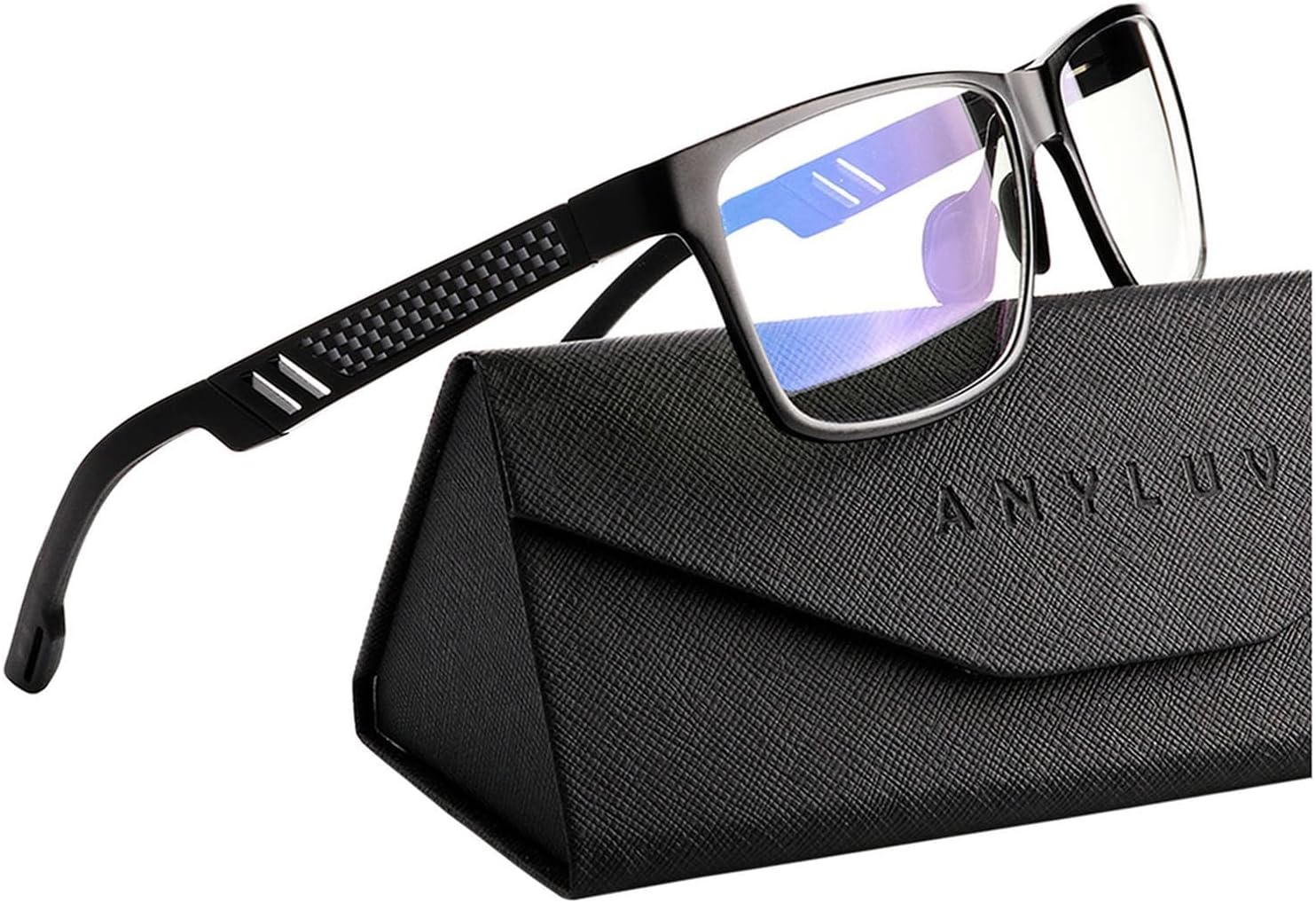
ANYLUV Blue Light Blocking Glasses Men Computer Gaming Glasses Lightweight Al-Mg Metal Anti Eyestrain Eye Protection
An Amazon's Choice pick at $21.99 with 14,653 ratings behind it - the listing puts the blue block rate at 45% and says the low-distortion lens avoids the heavy tint many budget pairs carry; Al-Mg metal frame, folding box included.
$21.99 · Check Price on AmazonAs an Amazon Associate we earn from qualifying purchases.